Face recognition with time and attendance
Terminal that recognizes faces, opens the door and clocks people in
Face recognition terminal that opens the door and logs each employee's arrival and departure. For companies, schools and gated communities.
Get a quote on WhatsAppNo published prices: every project is different. Message us on WhatsApp with what you need and we will send you a quote.
Ideal for
- Companies and offices
- Schools and clinics
- Workshops and factories
- Gated community guardhouses
Description
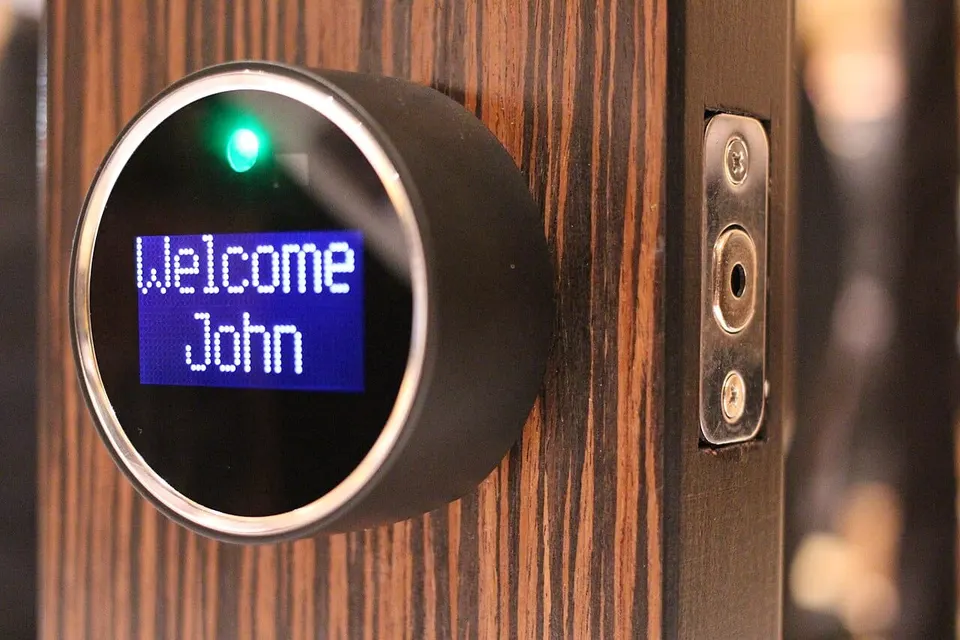
A face recognition terminal identifies people by their face, with nothing to touch, and can do two jobs at once: open the door and record arrival and departure times. It is the modern replacement for the punch clock (known locally as the ponchador), and very useful for companies, schools, clinics and workshops that need to know who arrived late or how many hours each person worked.
During installation we enroll each employee's face, set the height of the unit and check the lighting, because backlighting or direct sun affects recognition. Many models also accept a card, fingerprint or PIN as an alternative. Records are downloaded to a computer to run reports, and on some units they can be checked over the network or in the cloud.
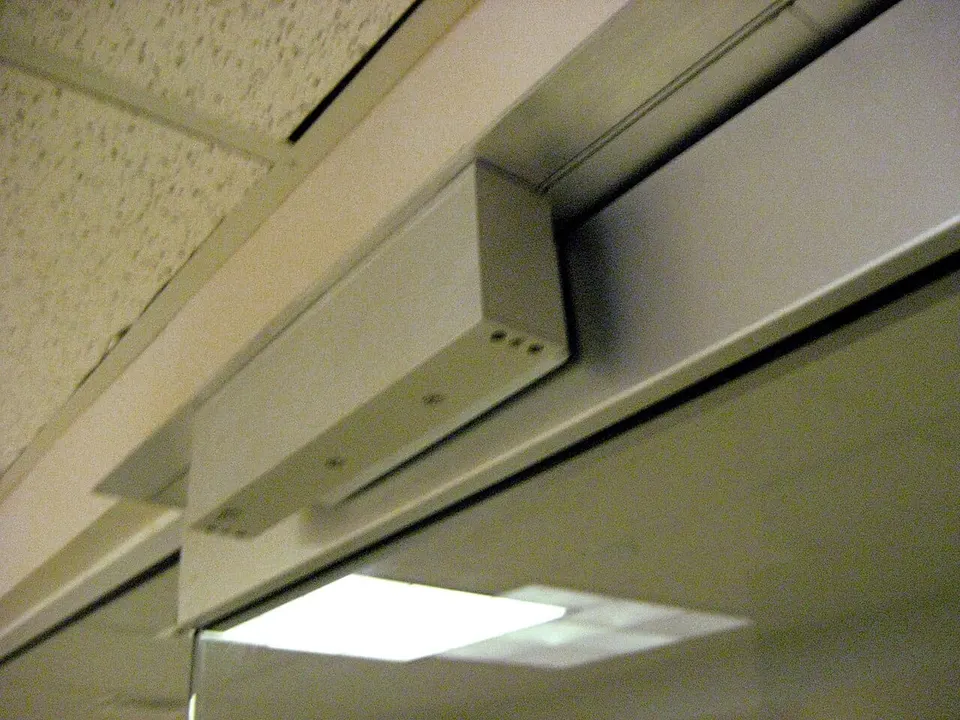
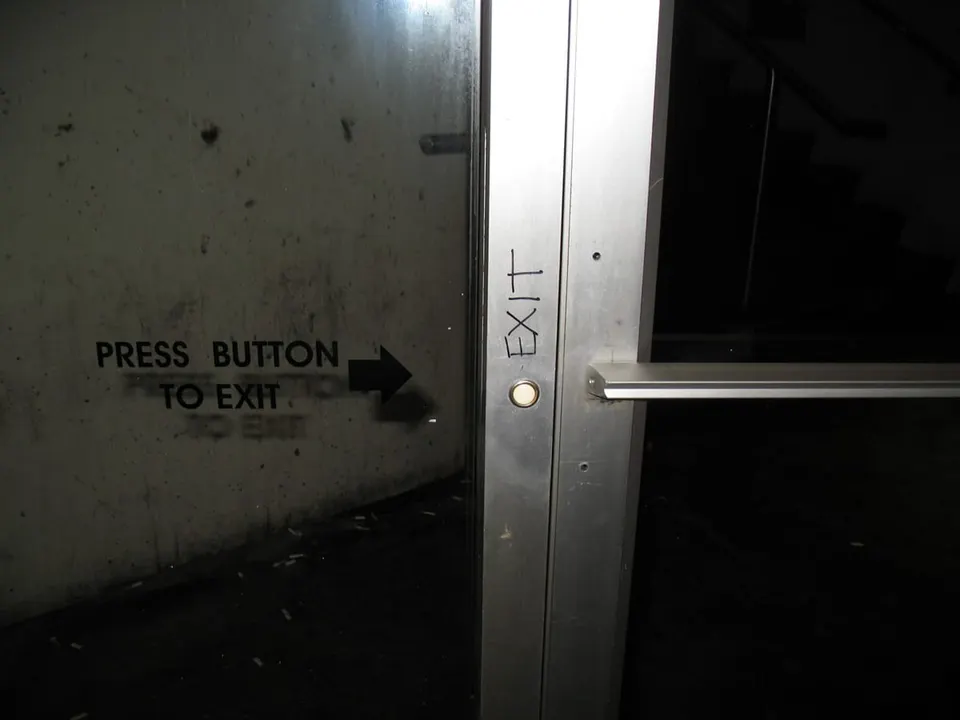
If the terminal controls a door, it is installed with its lock, exit button and backup power supply for outages. It is important to let staff know how their data is used and to store that information carefully.
Features
- Touchless face identification
- Arrival and departure log with date and time
- Downloadable attendance reports
- Card, fingerprint or PIN option depending on the model
- Controls one door with an electric lock
- Network connection to check the records
The service includes
- Terminal installation
- Employee enrollment
- Report setup
- Walkthrough on how to use it
Frequently asked questions
Does it work if someone wears glasses or changes their hairstyle?
Generally yes, these units tolerate glasses and hairstyle changes. With a face mask or cap, recognition can fail, so it is a good idea to have a card or PIN as a backup.
How do I get the attendance reports?
Depending on the unit, they are downloaded over the network, by USB or from a platform. We leave the method set up and show you how to run the reports.