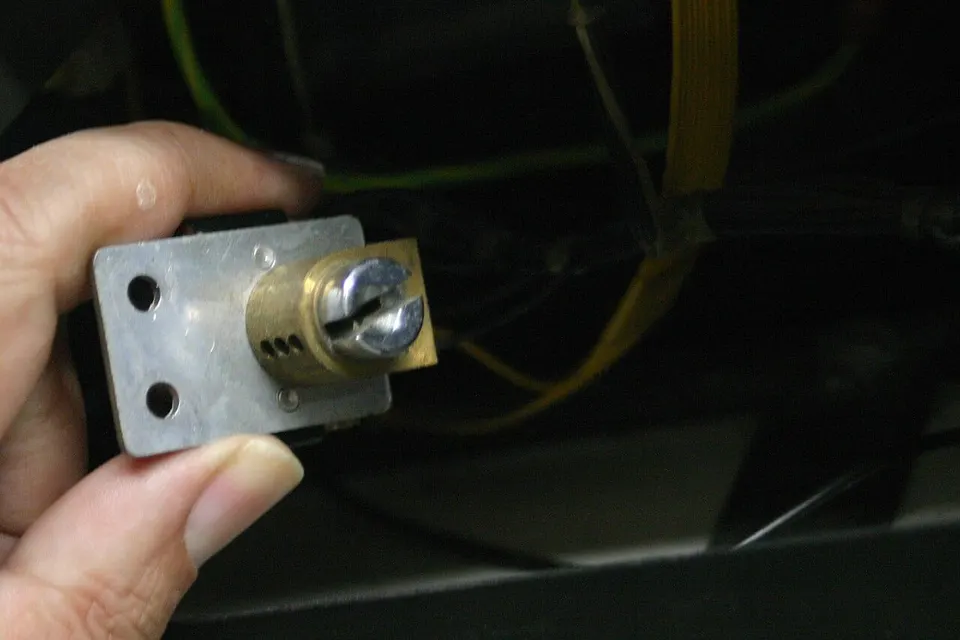
Push-button station and remote for roller shutters
Push buttons, key switch or remote for your shutter
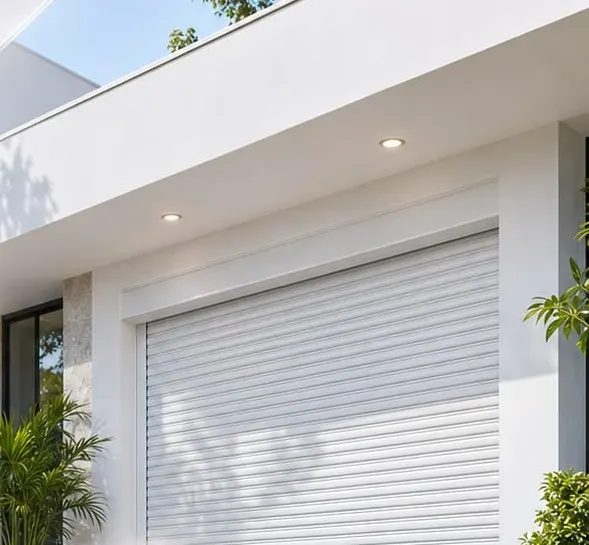
Wall push-button stations, key switches and remotes with a receiver to operate your roller shutter or garage door. Get a quote on WhatsApp.
Get a quote on WhatsAppNo published prices: every project is different. Message us on WhatsApp with what you need and we will send you a quote.
Ideal for
- Businesses with a motorized shutter
- Carports with a roll-up shutter
- Workshops
- Warehouses with several shutters
Description
Many motorized shutters are operated with a three-button station (up, stop and down) mounted inside the business. When the station fails from wear, moisture or a knock, the shutter stops responding even though the motor is fine. Other times the owner wants to open from outside or from the car and has no way to do it.
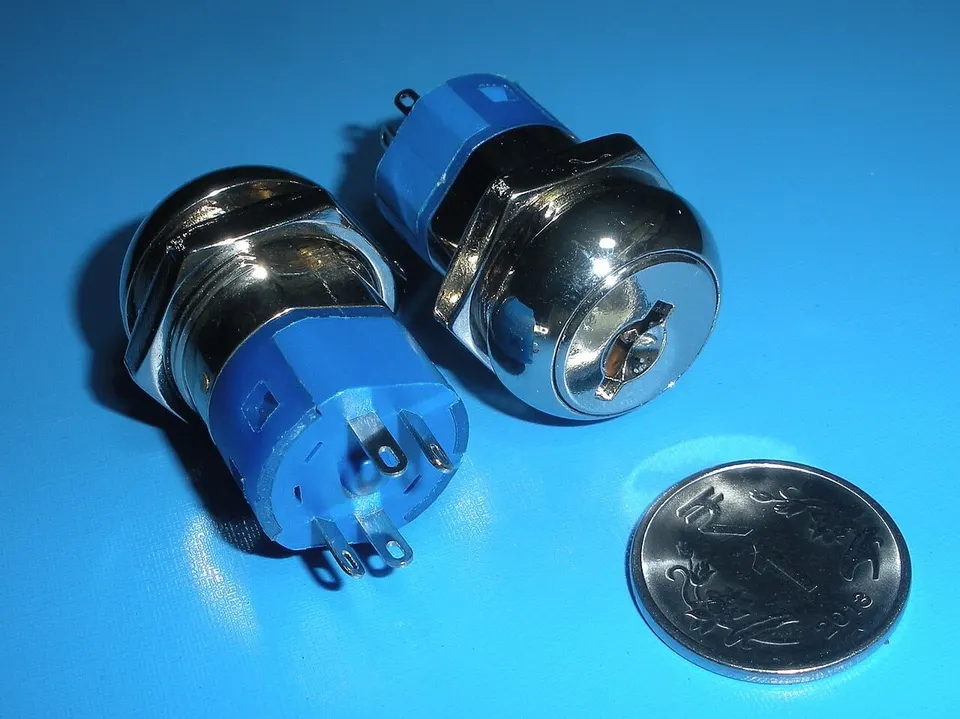
There's a solution for each case. A wall push-button station can be replaced or moved somewhere more convenient. A key switch goes outside, protected, so only someone with the key can open from the street. And a receiver with a remote lets you open and close from a few meters away, handy in carports and workshops where vehicles drive in.
We check the voltage and the type of motor before installing, because the receiver and the button station must be compatible with the shutter's control board or control panel. If the problem turns out to be the motor or the limit switches, we'll let you know.
Features
- Up, stop and down wall button station
- Outdoor key switch
- Receiver with rolling-code remote
- Works with roller shutter motors and garage doors
- Replacement or relocation of damaged button stations
The service includes
- Motor check
- Installation and wiring
- Remote programming
Frequently asked questions
My shutter won't go up. Is it the button station or the motor?
It could be either one, or the limit switches. We test it during the visit before replacing any parts.
Can I open the shutter with a remote from my car?
Yes, by installing a receiver compatible with your motor and programming as many remotes as you need.
Photo credits
- 1: Pradeep717, CC BY-SA 3.0, via Wikimedia Commons
- 2: Gah4, CC BY-SA 4.0, via Wikimedia Commons
Reference photos of the product type; the model we install may vary with your project.