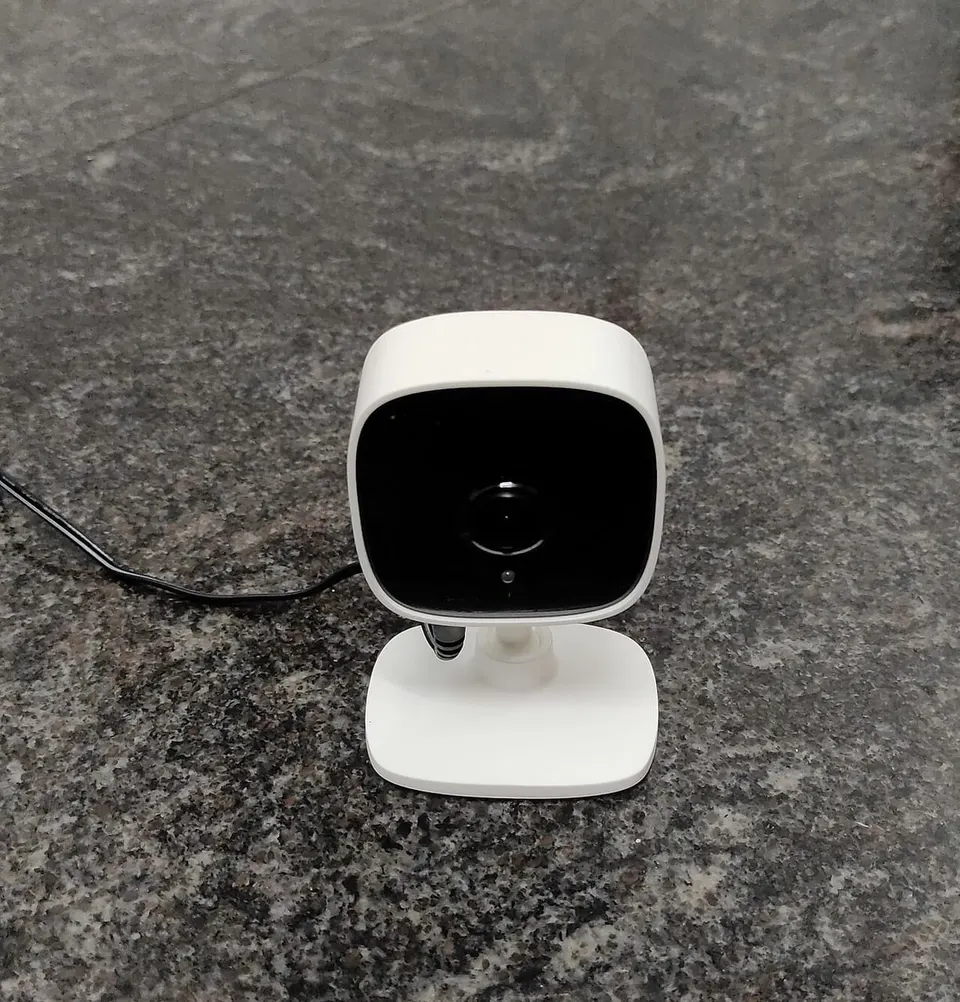
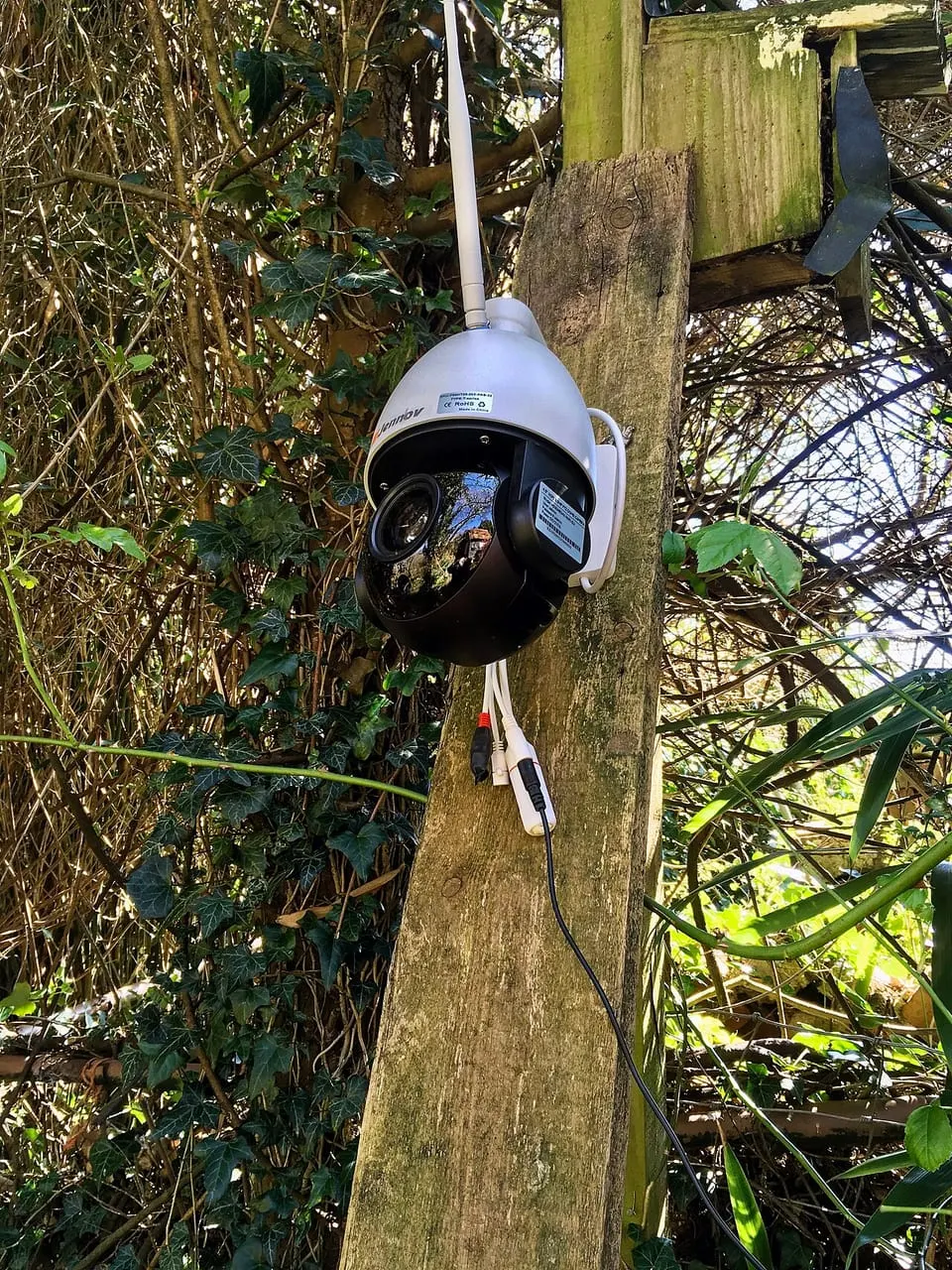
Wireless WiFi camera
App-based camera that records to a memory card, no recorder needed
WiFi camera with app, two-way audio and memory card recording to check on your home or business from your phone. Installed in the DR; quote on WhatsApp.
Get a quote on WhatsAppNo published prices: every project is different. Message us on WhatsApp with what you need and we will send you a quote.
Ideal for
- Living rooms and bedrooms
- Watching kids or elderly relatives
- Front doors
- Small businesses
Description
A WiFi camera is the simplest way to get started: it joins your home network, records to a microSD card or the manufacturer's cloud, and you watch it in an app on your phone. It needs no recorder and no video cabling, just a power outlet nearby. Many models have two-way audio so you can talk to whoever is in front of the camera.
It works well for keeping an eye on the kids, an elderly relative, the living room, the front door or a small business. The key is that the WiFi signal has to be strong where the camera goes: with a weak signal, the picture drops or freezes. During installation we measure the signal and, if needed, recommend a range extender. We also help you set a strong password and configure motion alerts.
Keep in mind that when the power goes out, the camera and the router shut off unless they have backup. Plugging them into the inverter or a small UPS keeps you from losing footage during an outage.
Features
- WiFi connection to your home or business network
- Recording to a microSD card or the cloud, depending on the model
- Two-way audio to listen and talk
- Motion alerts on your phone
- Night vision
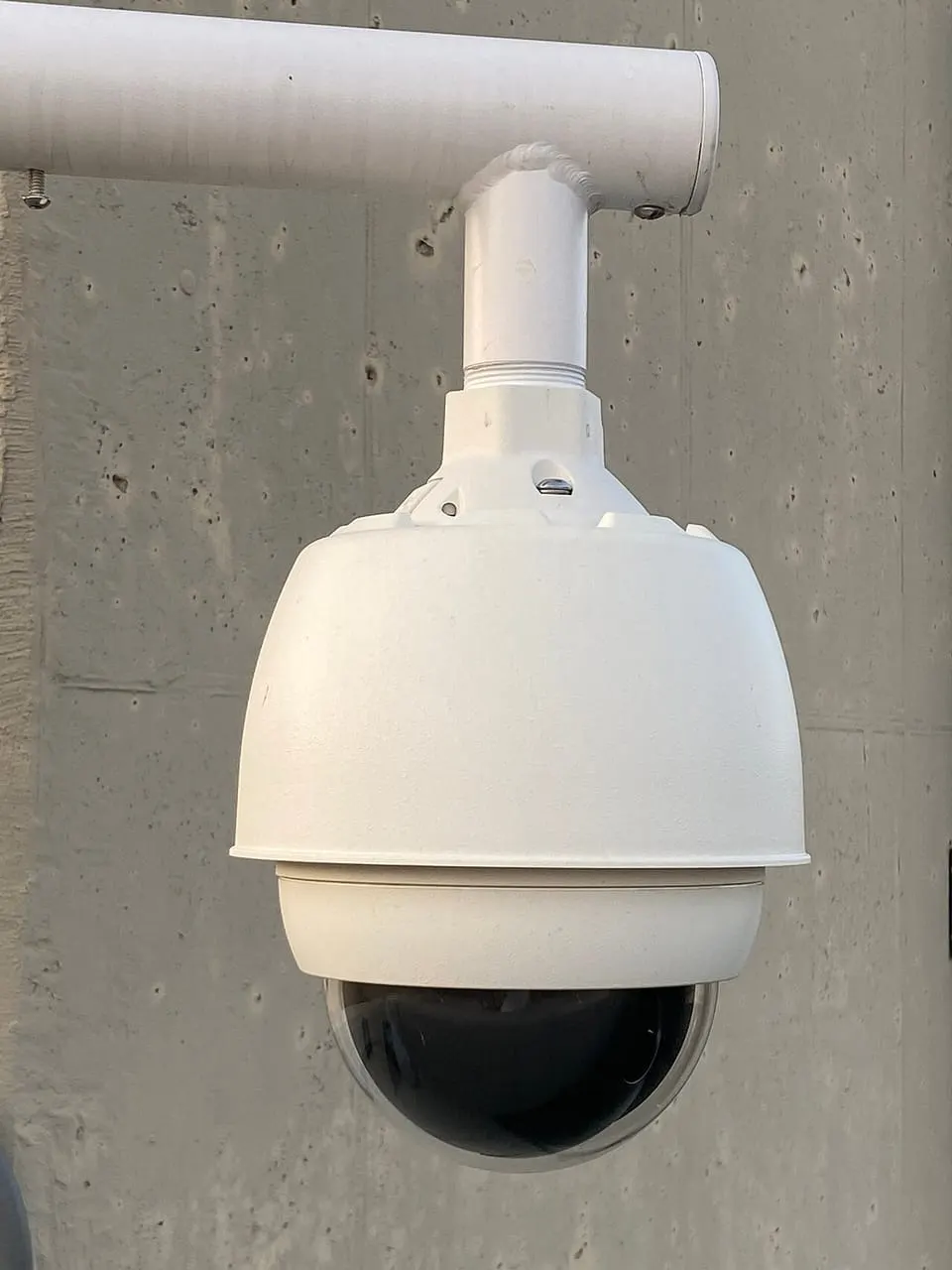
- Fixed models or models that pan and tilt from the app
Frequently asked questions
Does a WiFi camera keep recording if the internet goes down?
If it has a microSD card, it keeps recording to the card without internet, as long as it has power. You just will not be able to view it remotely until the connection comes back.
Can I use it outdoors?
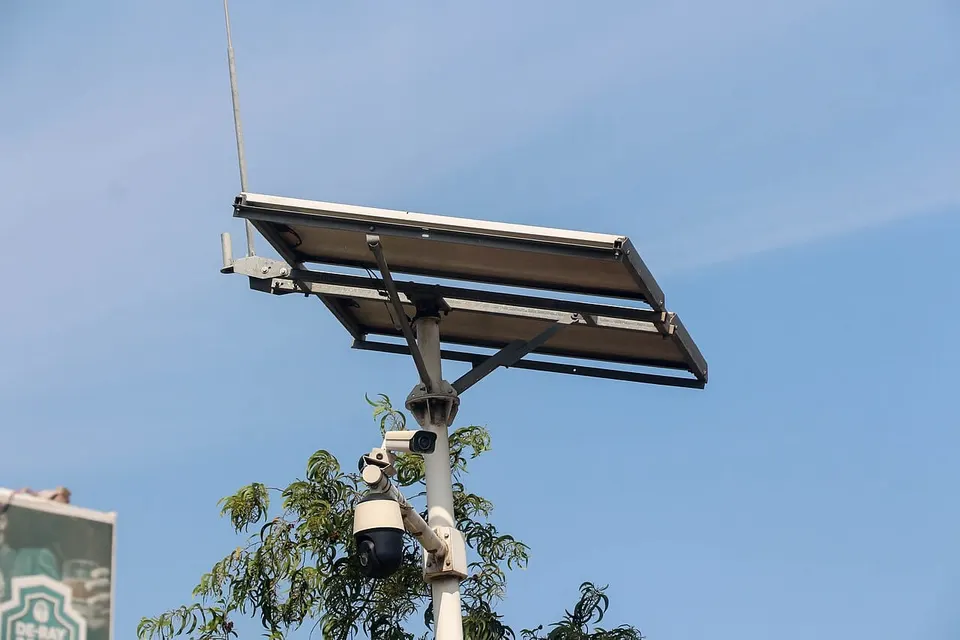
There are outdoor models, but they need a good WiFi signal at that spot. If the router is far away, we recommend a range extender or a wired camera.
Photo credits
- 1: Vis M, CC BY-SA 4.0, via Wikimedia Commons
- 2: Acabashi, CC BY-SA 4.0, via Wikimedia Commons
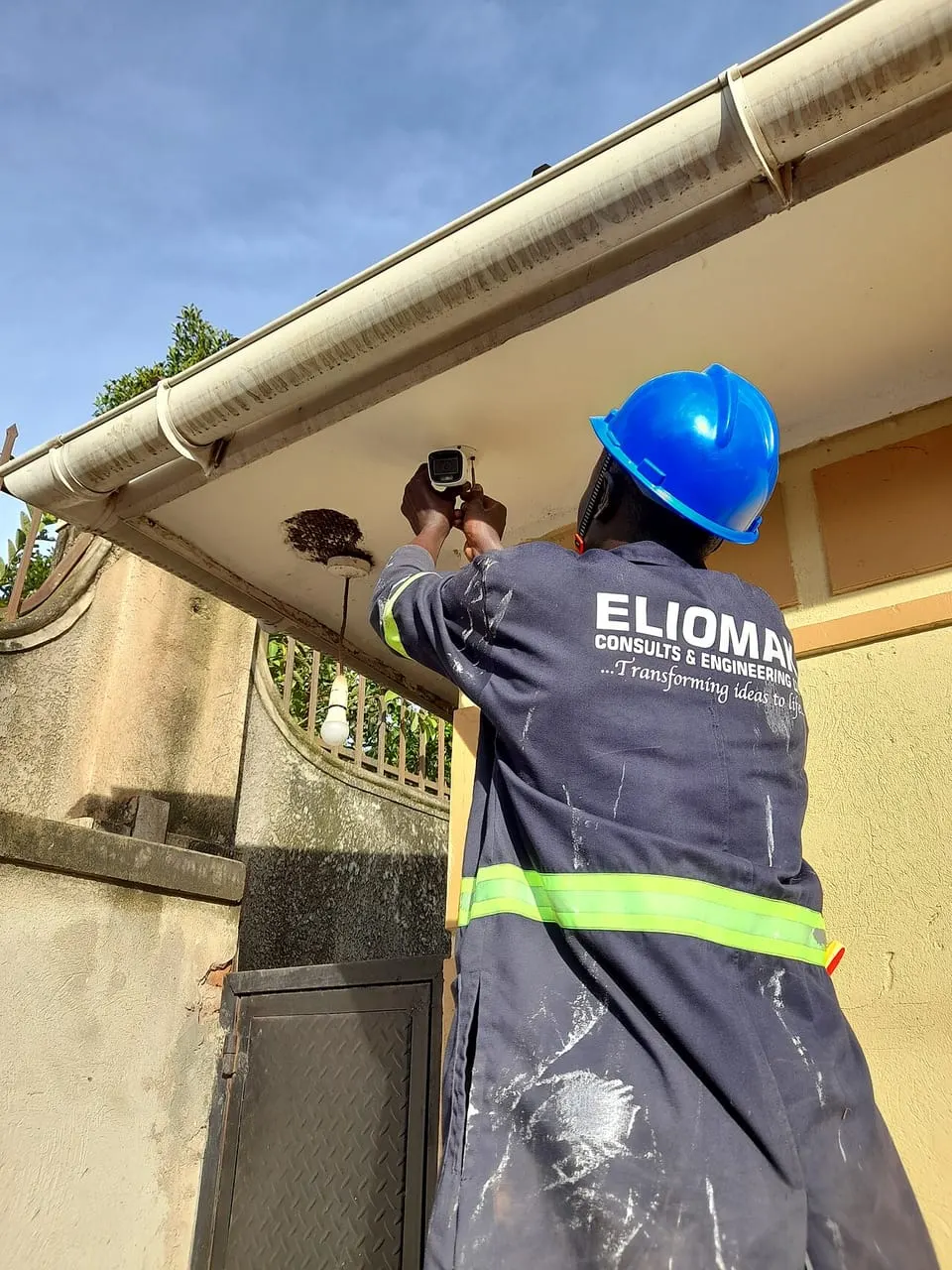
Reference photos of the product type; the model we install may vary with your project.